Turn your photo into a crayon drawing.
A little crayon magic for your favorite photos. Turn yourself into a drawing while your original scene stays in the picture.
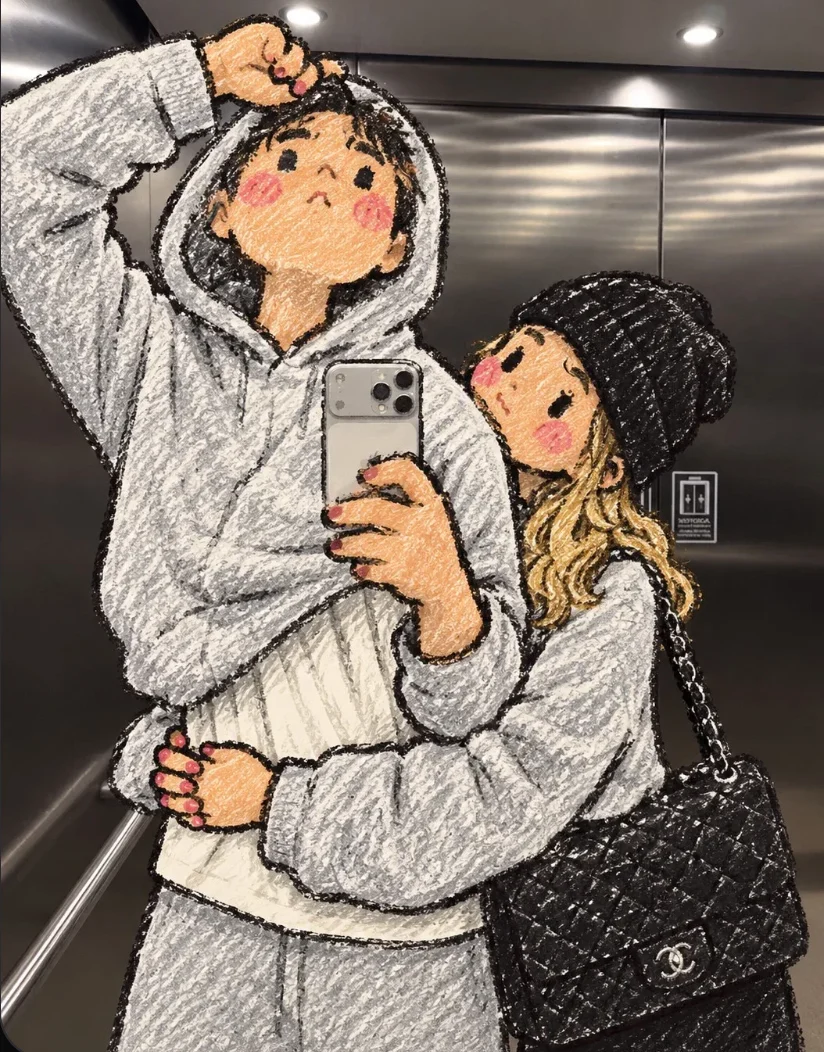 Style inspiration
Your photo, in three moves.
Start with your original. Keep the result when it feels right.
-
Pick your photo
Choose a photo with a clear person in the foreground.
-
Make it crayon
We draw the main subject with colorful, textured crayon strokes.
-
Save your new photo
Compare the result with the original, then download it.
A little inspiration.
Real places, favorite people, and that hand-drawn crayon look.
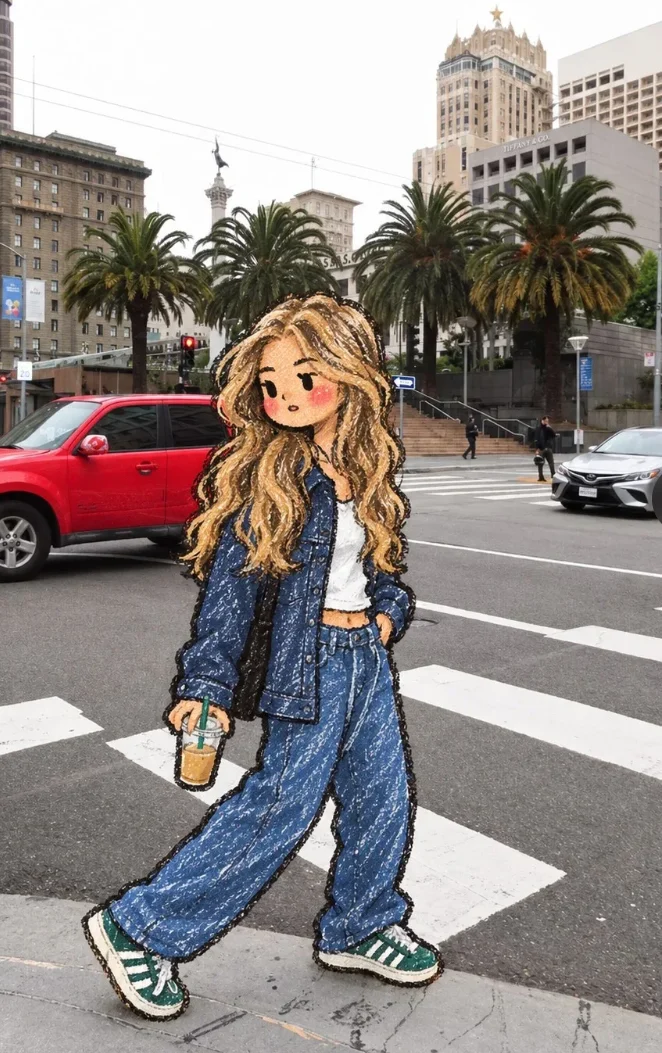
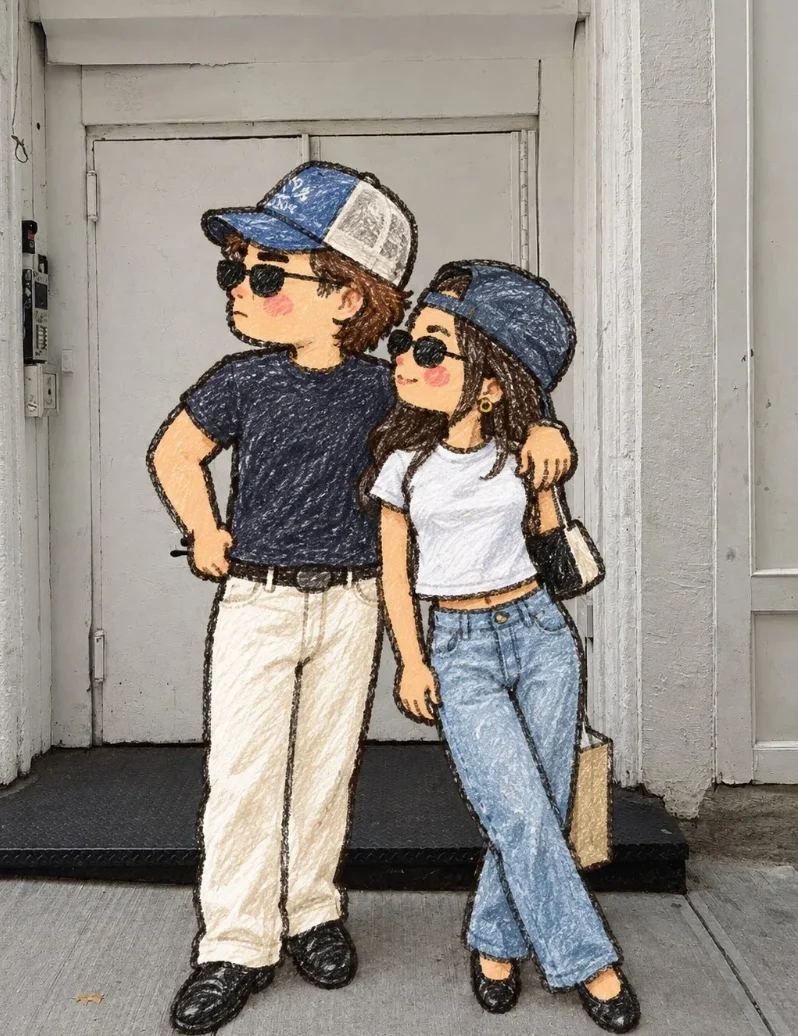
Style inspiration. Your result will be unique to your photo.
Good to know.
A little more detail before you edit.
What kind of photo works best?
Choose a clear photo with one person in the foreground. Photos where the person is easy to distinguish from the background work best.
What happens to the background?
The drawing is placed over your original scene. Small areas around the person may be touched up where the drawing and original do not line up exactly.
Can I use a photo with more than one person?
The tool finds the main subject automatically. It may not select everyone in a group photo, so try a photo with a clear foreground subject.
Will the drawing look exactly like my photo?
The AI keeps the pose and outfit in mind, but it redraws details. Hair, clothing, accessories and facial features can look different in the result.
How many credits does an edit use?
A completed edit uses one credit. You can review your result before downloading it.
What size is the finished image?
The result keeps your photo’s proportions and is up to 1,000 pixels on its longest side.