Natural whitening
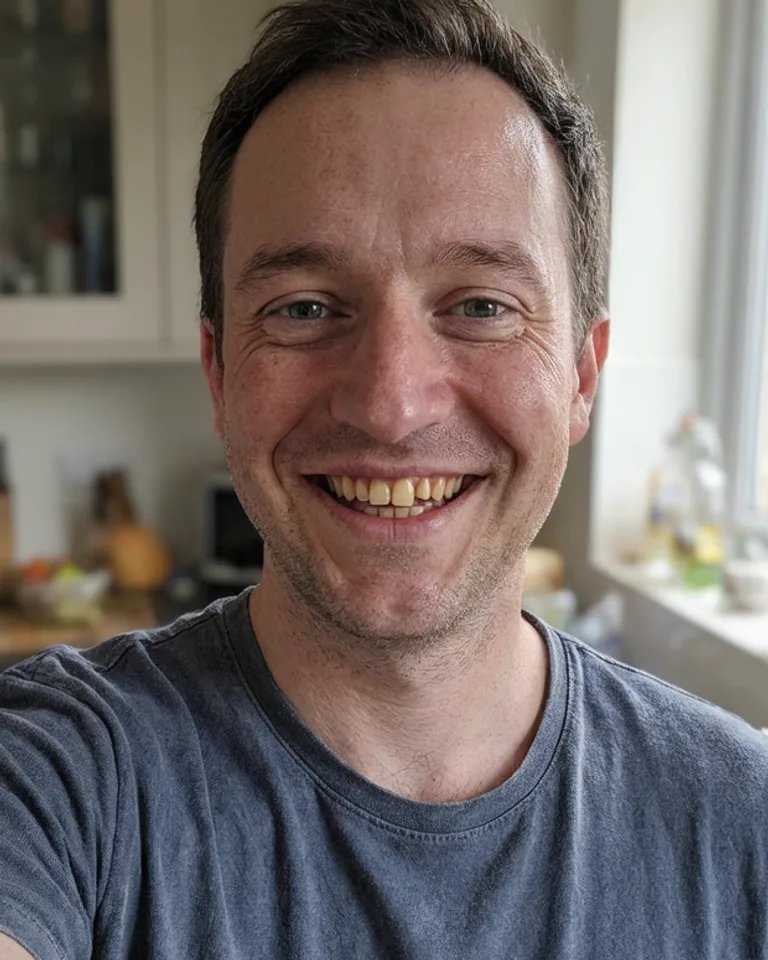
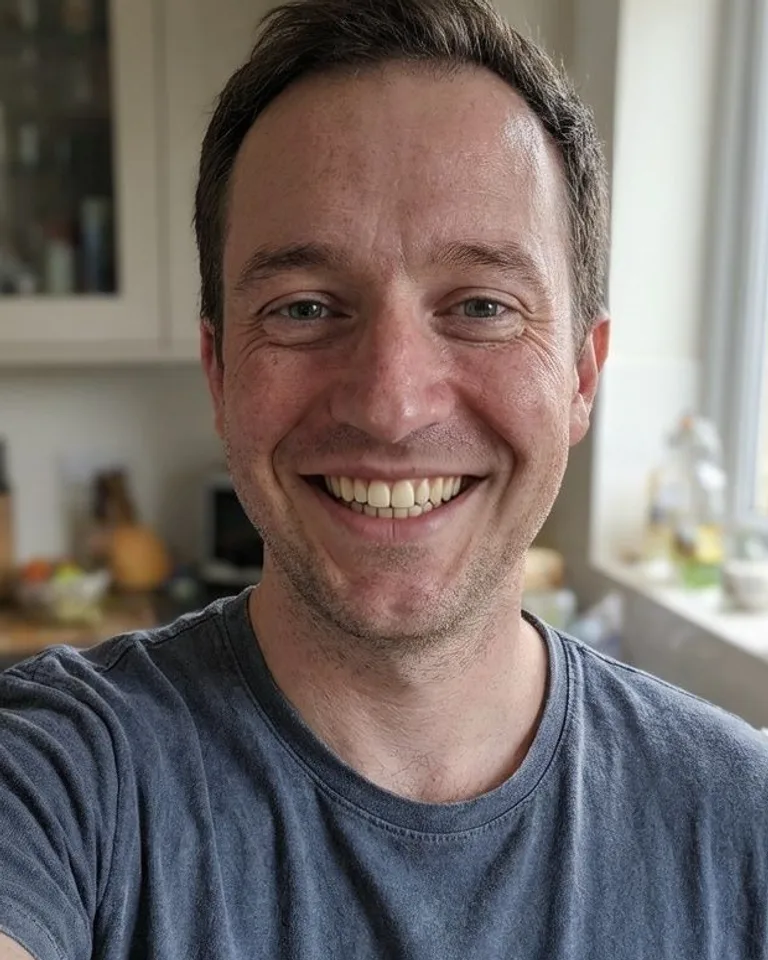
The yellow tint is gone and the teeth still look real. His skin, eyes and the kitchen behind him are exactly as they were.
Brighten a smile without making it look painted on.
Start with your original. Keep the result when it feels right.
Upload a photo where the teeth are visible.
The AI whitens the teeth and leaves the rest alone.
Download the photo with the brighter smile.
The yellow tint is gone and the teeth still look real. His skin, eyes and the kitchen behind him are exactly as they were.
A little more detail before you edit.
The prompt asks for a natural shade instead of pure white, which keeps the result believable.
No. Only the inside of the mouth comes from the edit. Your skin, eyes and background stay exactly as you uploaded them.
It whitens one smile, the clearest face in the photo. For a group shot, crop the photo to that person first.
No. It is made to change the color. The shape can shift a little, but it will not straighten or replace teeth.