

Colorize black and white photos with AI
Bring color back to old photos without opening complex restoration software.
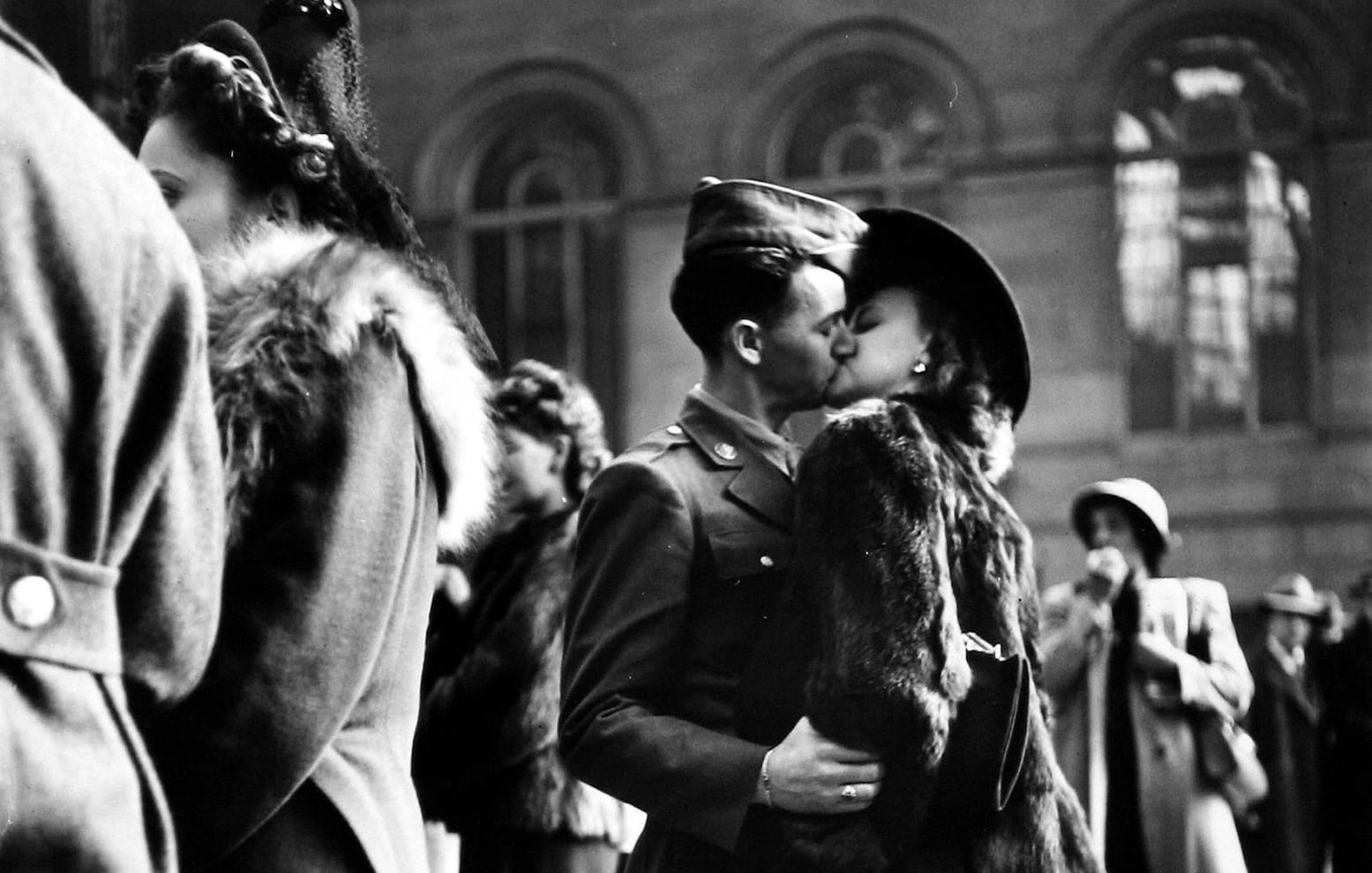
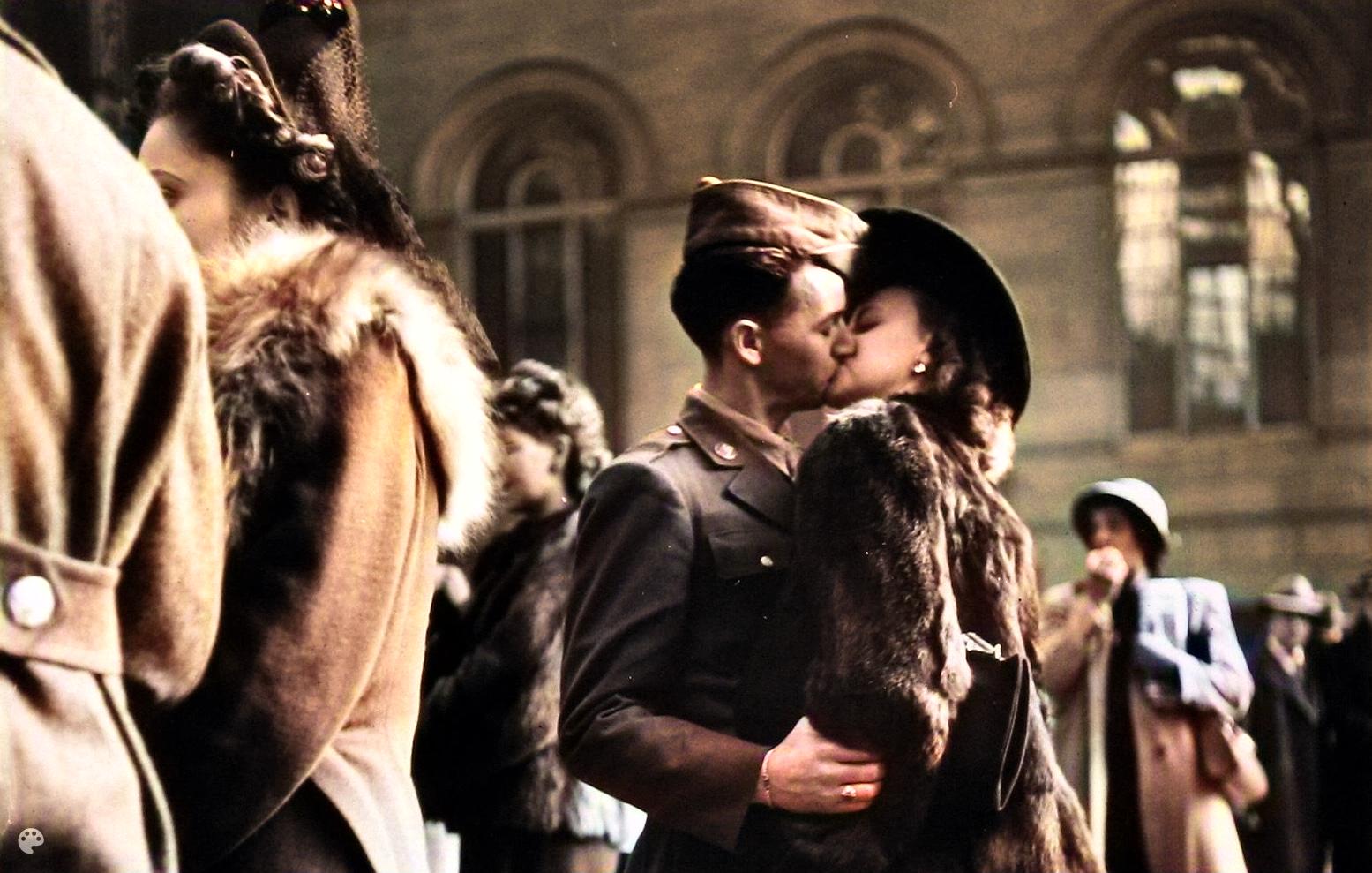
How to colorize black and white photos?
If you have an old scan that feels flat or distant, this tool can add color back in a way that makes the image easier to connect with.
1. Upload Photo
Start with the black-and-white image or scan.
2. AI Processing
The AI adds color while trying to preserve the mood and detail of the original.
3. Download ✨
Download the restored version once the colors feel right.
Start with the original scan
Upload the photo as you found it. Old family pictures, wedding portraits, and scanned prints all work well when the source image is clear enough.
Let the model fill in the missing color
The goal is not to make the image look brand new. It is to add believable color so the photo feels easier to read and more alive.
Download the restored image
Save the colorized version for sharing, printing, or family archives while still keeping the original untouched.
Colorization Tool FAQ
Common questions about adding color to black-and-white photos with Enhance.cam.
Can I control which colors it picks?
No. The tool sends the image to the model and you get back one colorized version. There is no way to say "the dress should be red" or "the sky should be bluer." If the result is off, you can try again, but there is no manual color picker.
Does it work on sepia or faded color photos, or only true black and white?
Both. Sepia prints and faded color photos work. The model strips the existing tint and adds color from scratch, so the starting tone does not matter much.
I scanned an old photo with creases and dust. Will that cause problems?
The colorization itself still works, but the AI may color the creases or dust spots in odd ways. Cleaning up damage before colorizing gives a better result.
What formats can I upload?
JPEG, PNG, and HEIC all work. If you are scanning old photos, save the scan at a decent resolution. A flatbed scan at 300 DPI gives the model more to work with than a phone photo of a print.
Will the grain and texture of the original photo change?
The tool adds color but does not remove grain or reshape the image. The original texture stays, which is why old photos still look like old photos after colorization, just with color.