

Brighten dark photos with AI
Recover detail from dim or underexposed shots without having to wrestle with manual sliders.
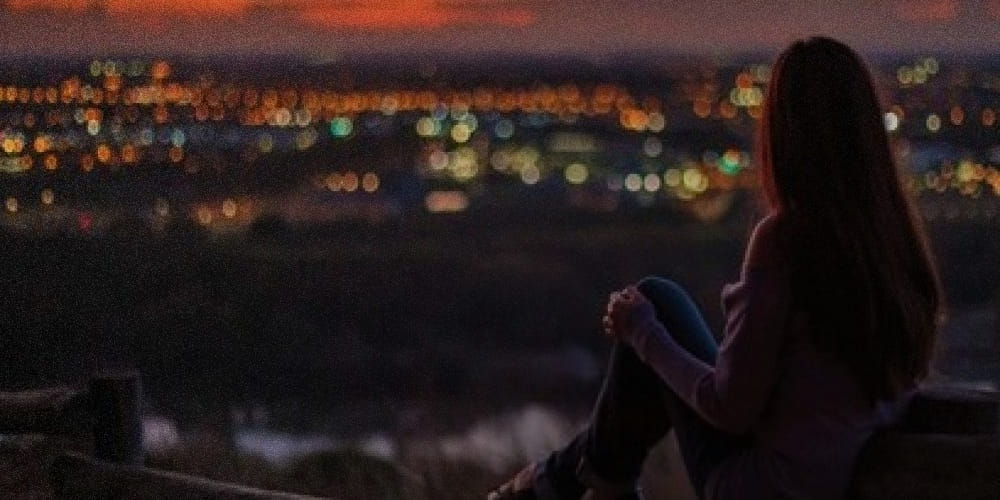
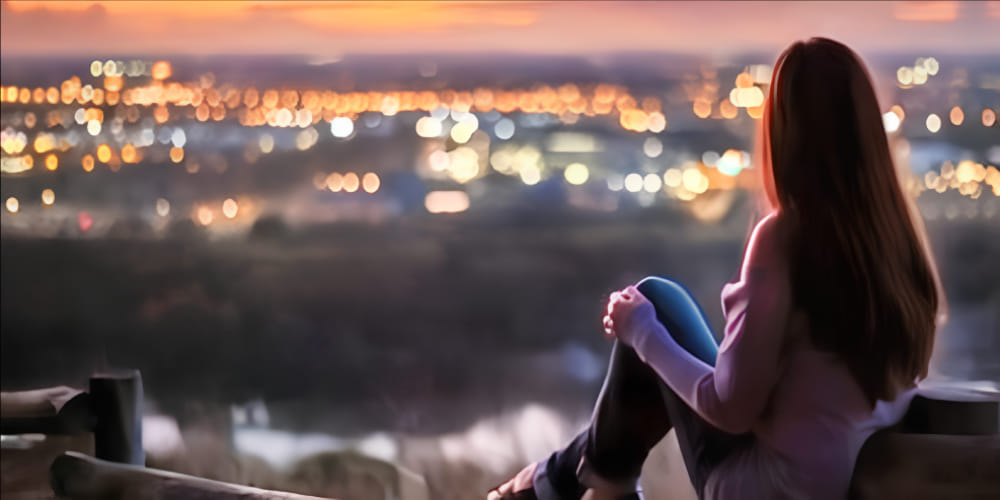
How to brighten dark photos?
If the photo is too dark to keep, start here. Upload the image, let the tool lift the exposure, and download a version with more usable detail.
1. Upload Photo
Start with the dark or underexposed image.
2. AI Processing
The AI lifts exposure and tries to keep useful detail in the frame.
3. Download ✨
Download the brighter version once it looks usable again.
Start with the original shot
Upload the dark image as it is. There is no need to pre-edit it first or guess which slider to move.
Recover detail without flattening everything
The tool looks at shadow areas, contrast, and visible details so the final image feels brighter without turning into a washed-out gray frame.
Download the brighter version
Save the improved image and use it wherever the original was too dark to share, print, or keep.
Dark Photo Tool FAQ
Common questions about brightening underexposed photos with Enhance.cam.
Is this just a brightness slider?
No. The tool sends the image to an AI model with a lighting-specific prompt. It tries to recover shadow detail and rebalance contrast, not just push every pixel brighter. The difference is most visible in photos where some areas are lit and others are not.
Can I adjust how much brighter it gets?
Not right now. The tool applies one pass of enhancement. If the result is still too dark or too bright, you would need to run it again or adjust manually in another editor.
What formats does it accept?
JPEG, PNG, and HEIC. If you upload an HEIC file from an iPhone, the tool converts it before processing.
Does it work on completely black photos?
If the photo is almost entirely black with no recoverable detail, the result will not be useful. The AI needs some visible information to work with. Underexposed photos where you can still see shapes tend to work well.
Does it change the colors or just the lighting?
It can shift colors slightly as a side effect of the exposure correction. Skin tones and white balance may look a bit different from the original. For most photos the shift is minor.