Tourists removed
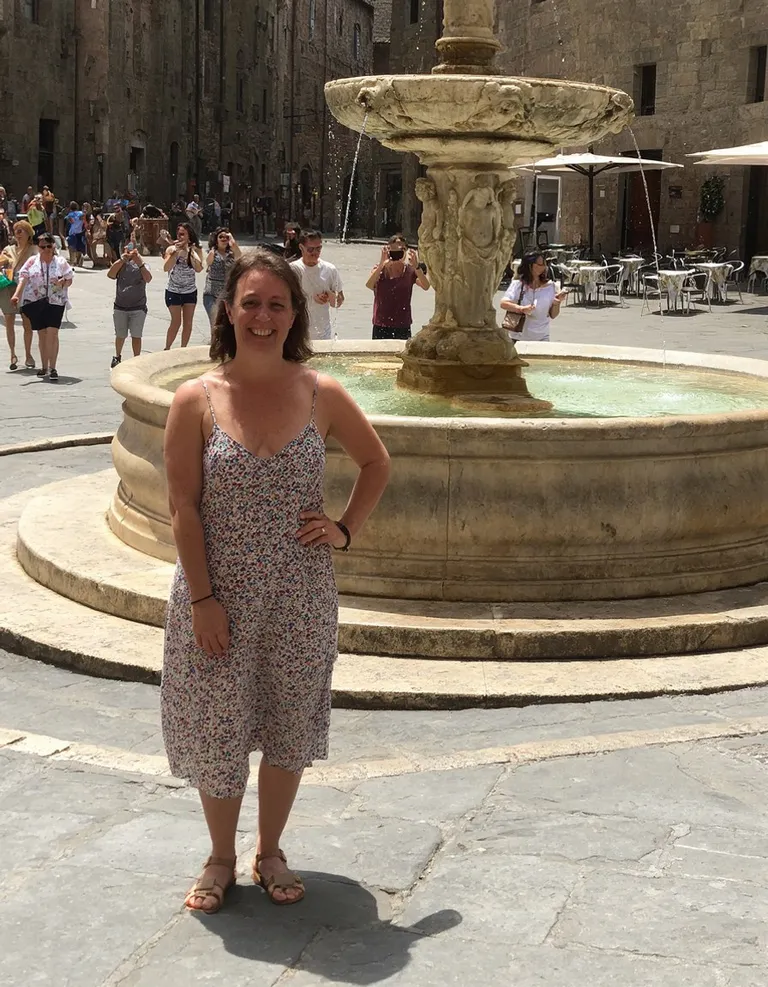
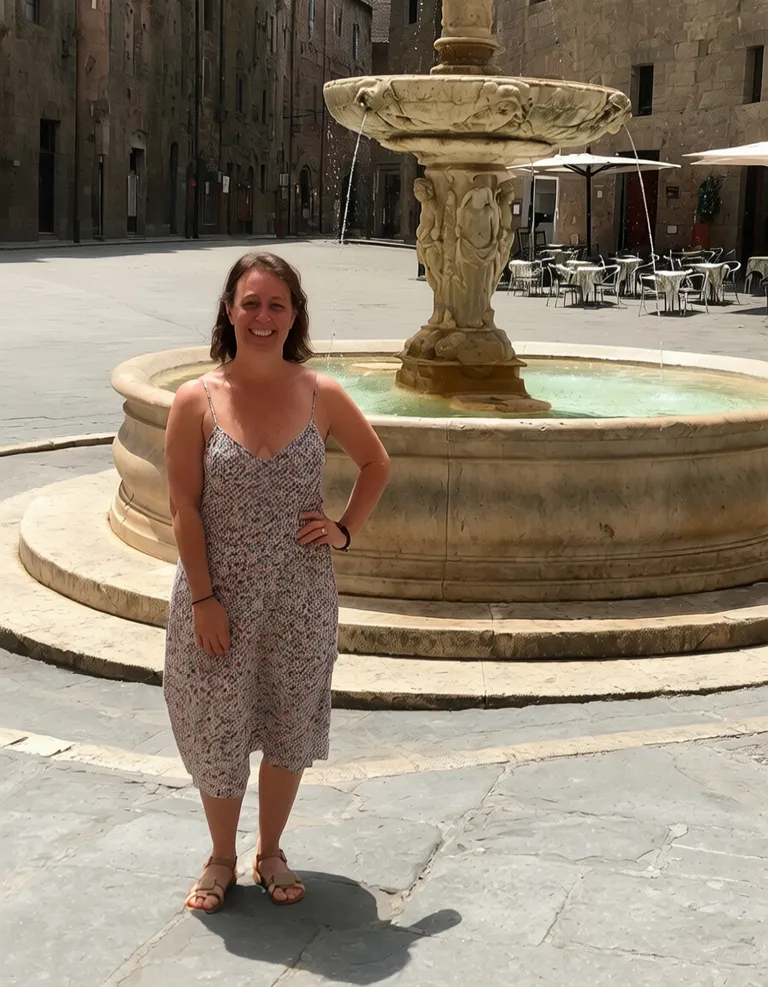
The crowd behind her is gone and the plaza was filled in around the fountain.
Get rid of tourists and photobombers and keep the shot you actually wanted.
Start with your original. Keep the result when it feels right.
Upload the photo with people in the background.
The AI removes them and fills the gaps.
Download the clean version of the scene.
The crowd behind her is gone and the plaza was filled in around the fountain.
A little more detail before you edit.
Not yet. The tool removes people in the background and keeps the main subject in front.
For landscapes with only strangers in them, the AI tries to remove everyone, but the result is less predictable.
Small gaps blend in well. Large crowds covering most of the scene leave more for the AI to invent, so details may not match the real place.