From selfie to headshot
A quick selfie at home became a professional headshot with a blazer and a gray backdrop.

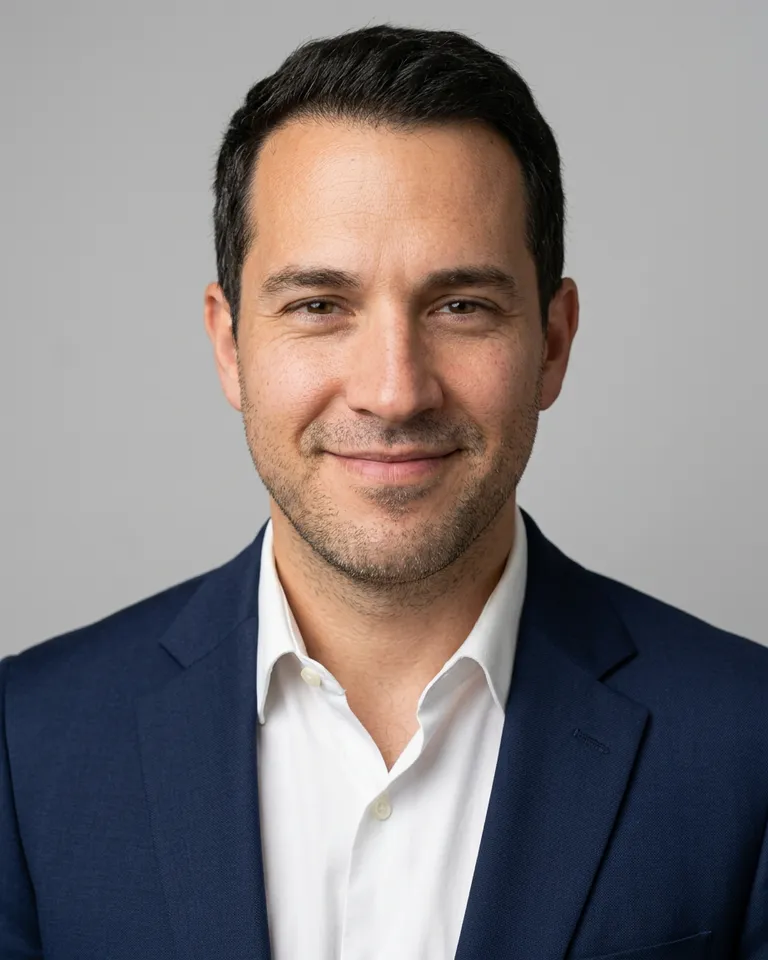
Studio light, business attire, and a clean backdrop from one photo you already have.
Start with your original. Keep the result when it feels right.
Upload a clear, front facing selfie.
The AI dresses, relights, and frames it as a headshot.
Download the headshot and use it on your profile.
A quick selfie at home became a professional headshot with a blazer and a gray backdrop.
A little more detail before you edit.
A sharp, well lit photo facing the camera with nothing covering the face. Sunglasses, heavy filters, or tiny faces make the result less accurate.
The AI is told to keep your face and identity, but it regenerates clothing and light, so small details can shift. Run it again if a result does not look like you.
Yes. The result is a regular image you can upload anywhere.