AI photo edits.That look like you.
Fix closed eyes, brighten photos, or turn them into crayon art.
Upload a photo and choose what to change.
What would you like to edit?
Open eyes, turn a photo into crayon art, adjust lighting, or explore more tools.
 Try this tool
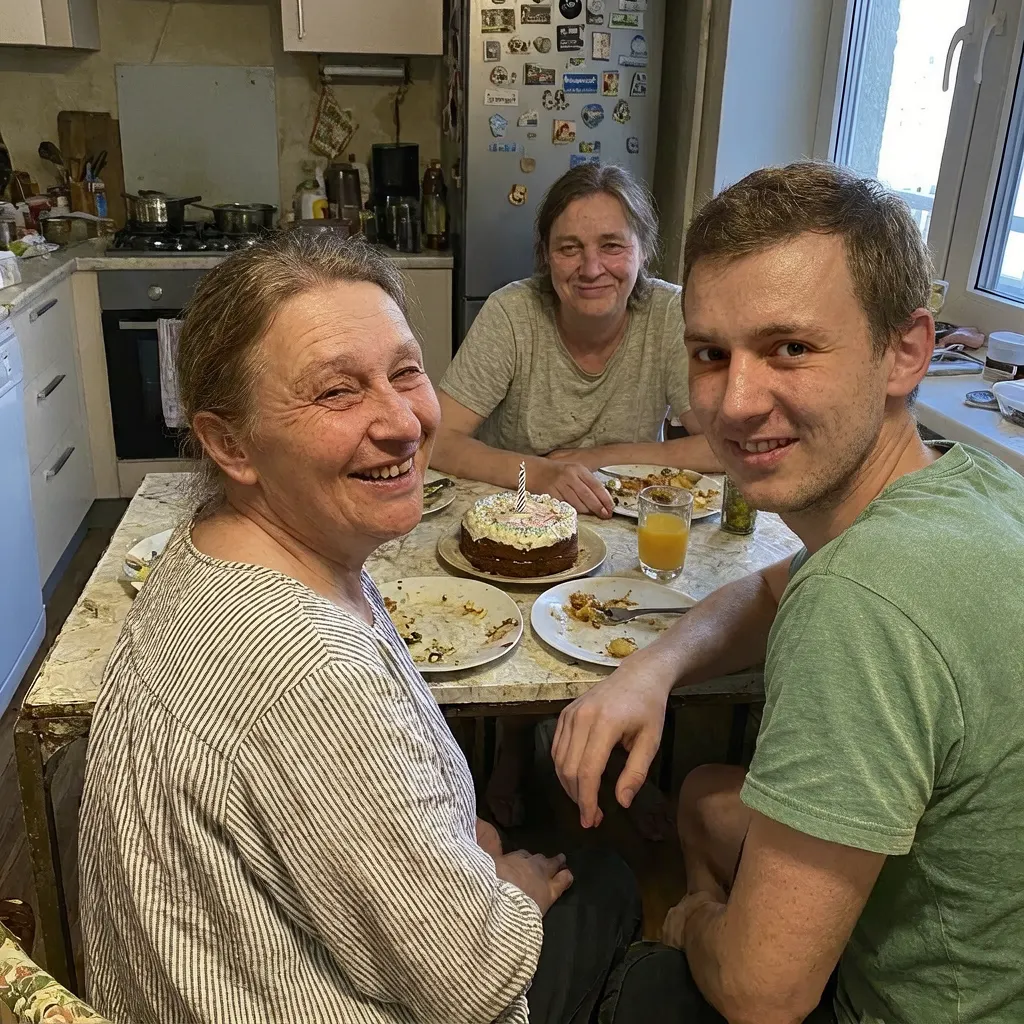
 Open closed eyes
Fix a blink in a portrait or group photo.
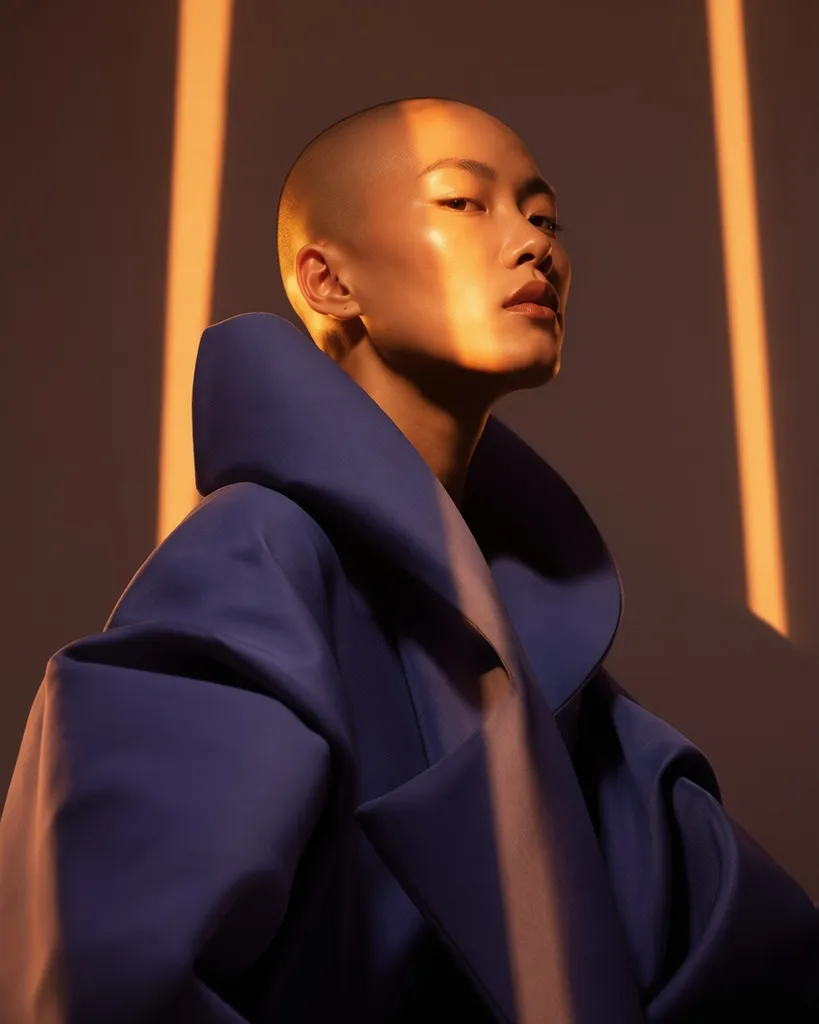
 Style inspiration
Try this tool
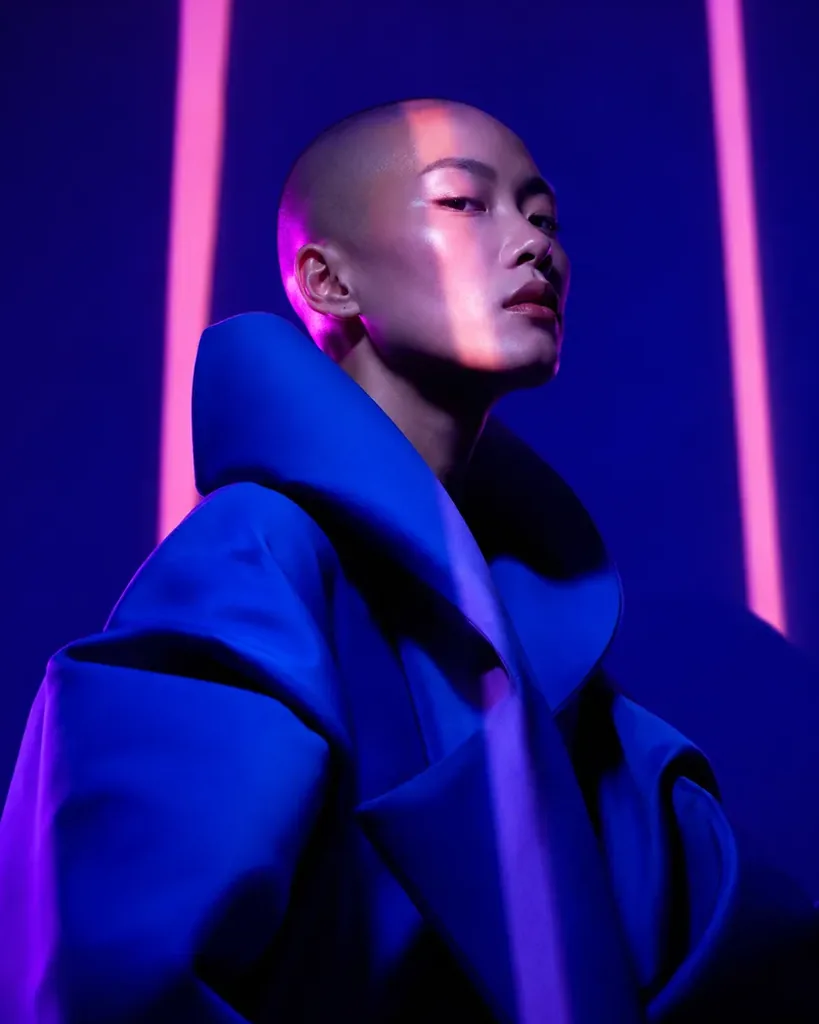
Style inspiration
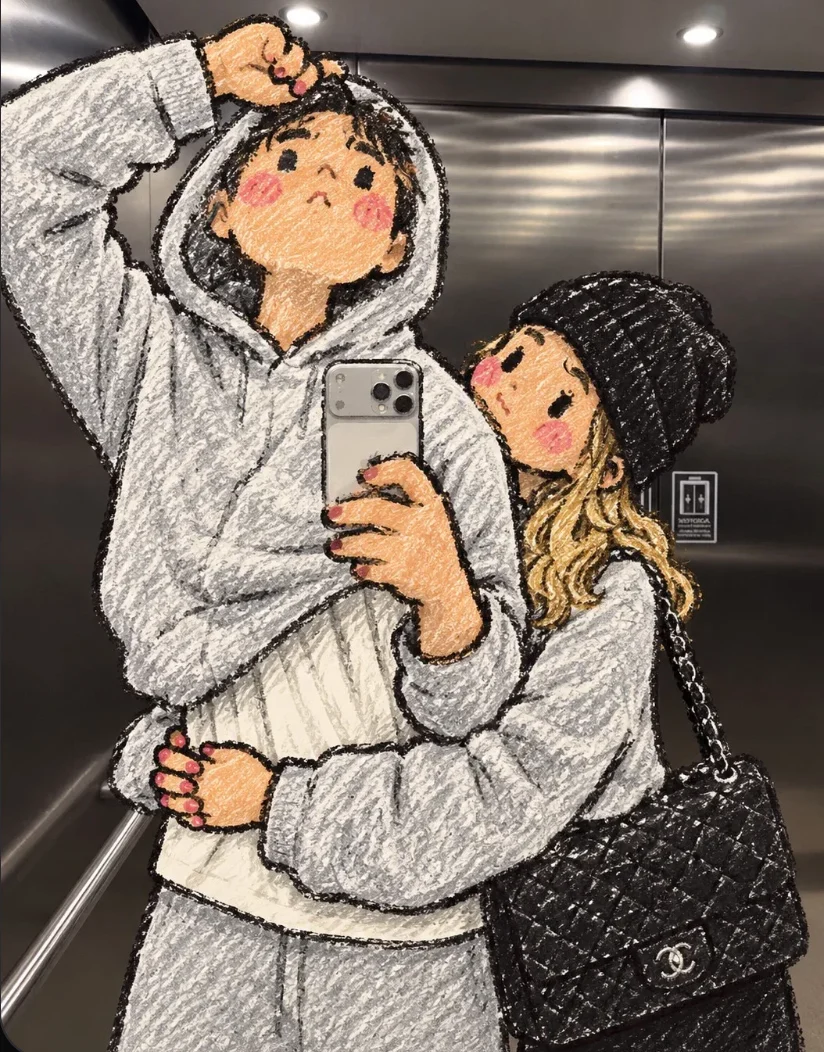
Try this tool Crayon photo
Turn your photo into a playful crayon drawing.
Try this tool Remove pimples
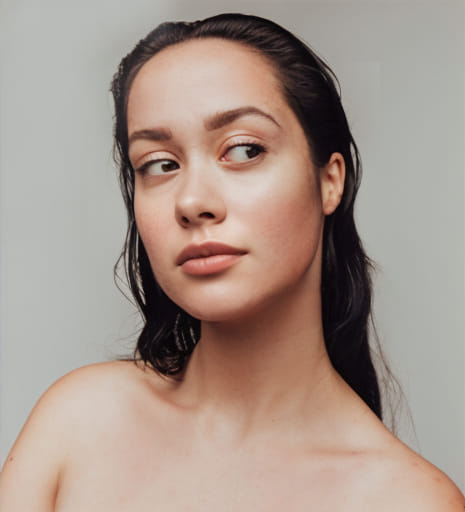
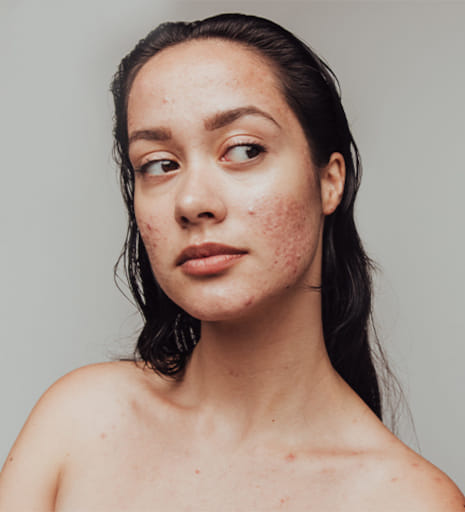
Remove pimples and temporary blemishes.
Try this tool Brighten dark photos
Brighten faces and details in dark photos.
Try this tool Colorize old photos
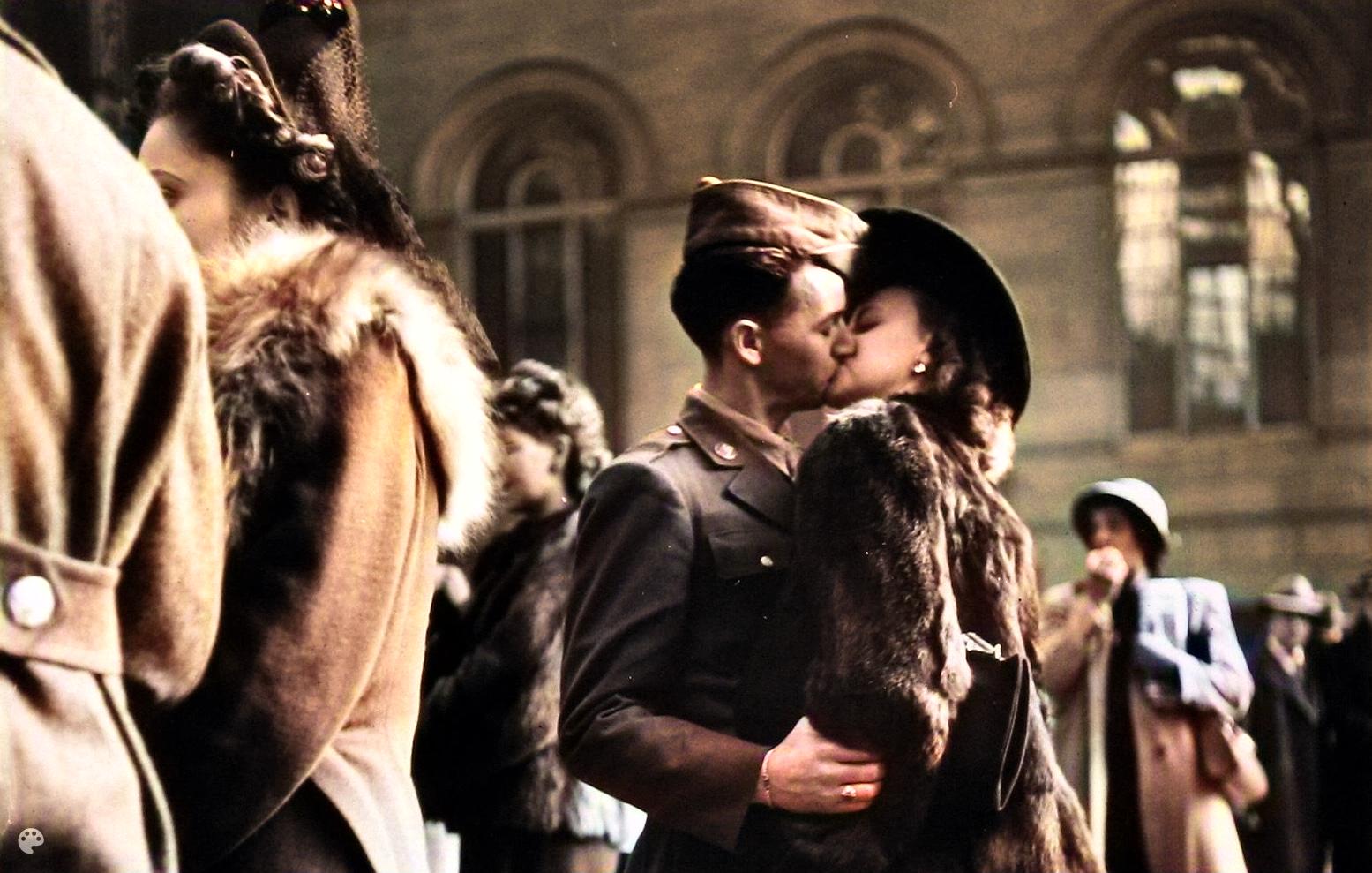
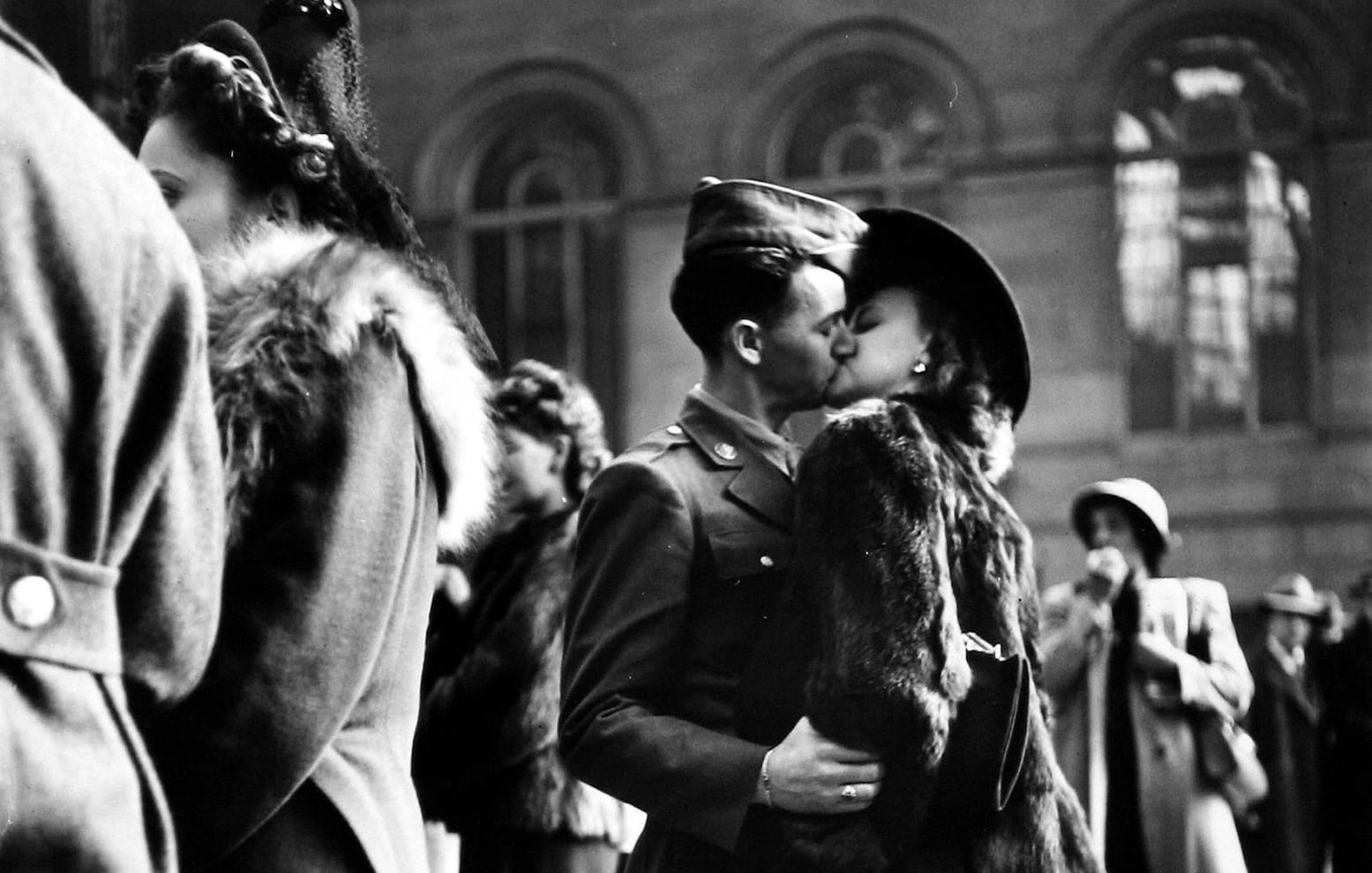
Add AI-generated color to black-and-white photos.
 Try this tool
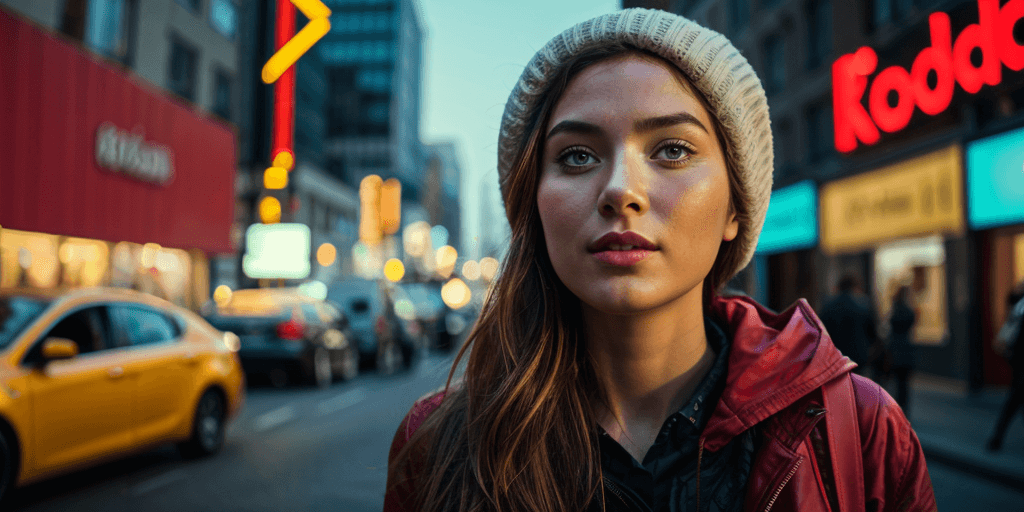
 Expand the frame
Extend the background for a wider crop.
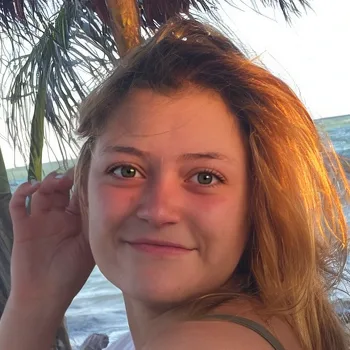
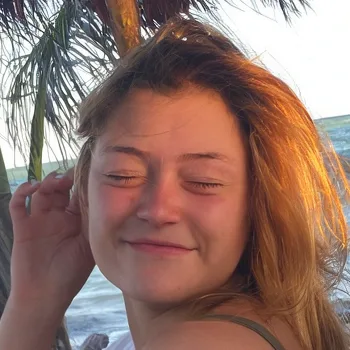
See what changes.
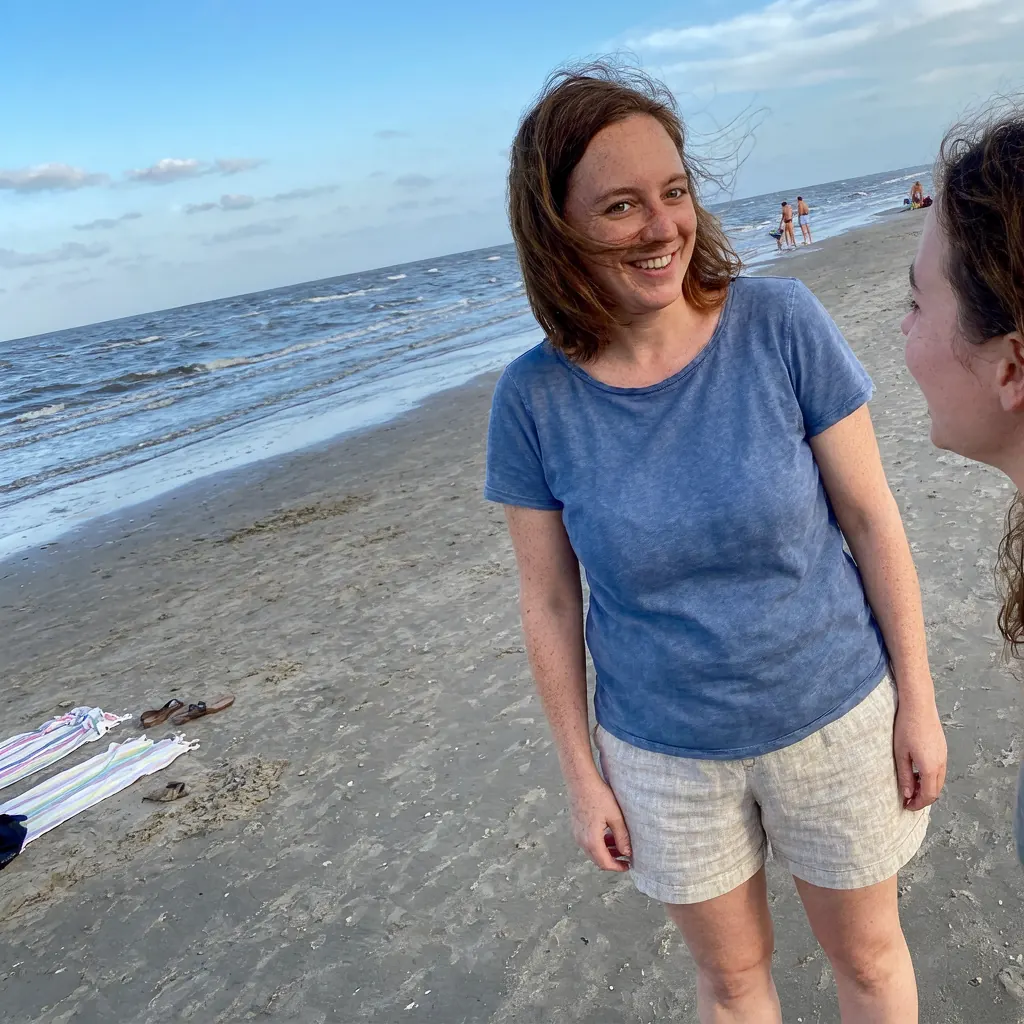
Drag the slider to compare each photo before and after editing.
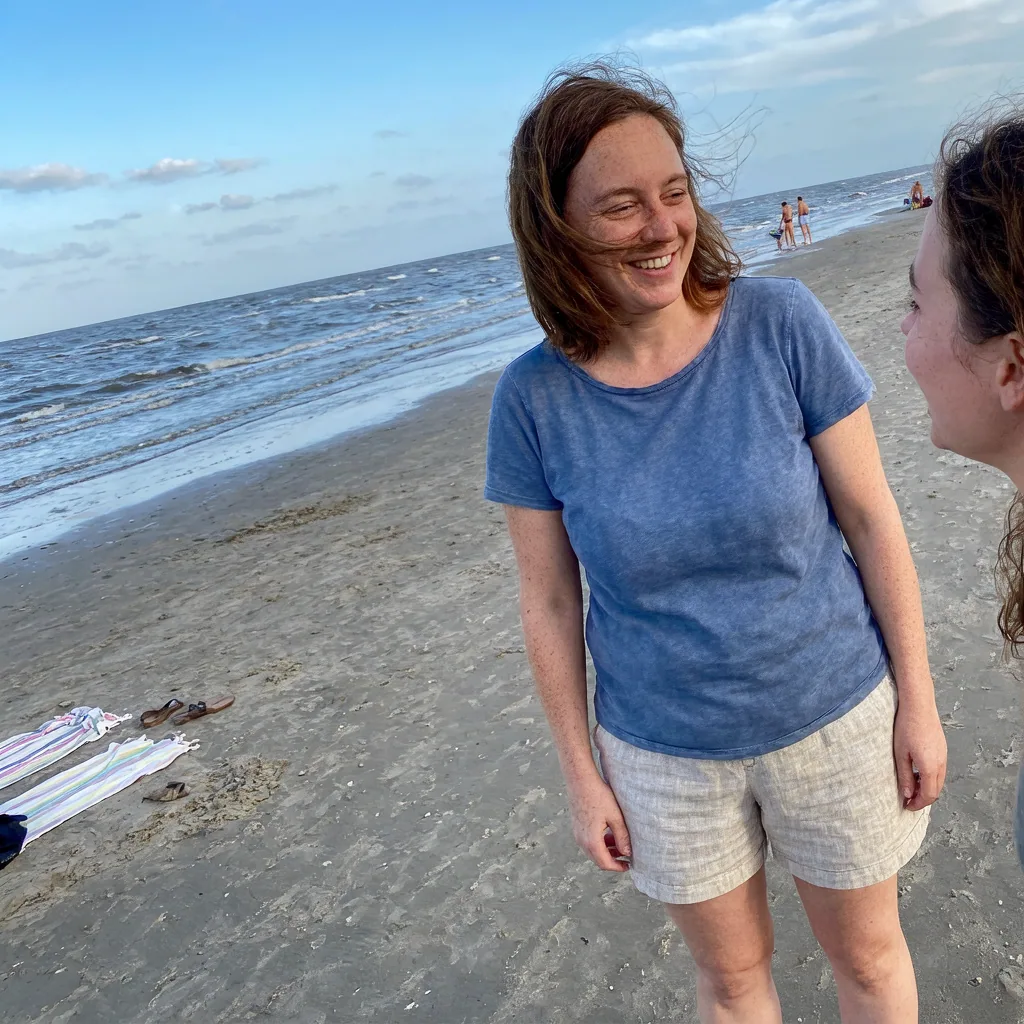 BeforeAfter
 A blink doesn’t have to be the end of a good photo.
Try this fixExamples from our photo tools. Your results will vary by photo.
Edit what you want.
Keep the rest.
Fix a blink or clear a blemish. Keep the background, expression, and details that make the photo yours.
Try it on my photoAI photo edits
that look like you.
Fix the blink or the lighting, then check that the result still feels like you.
-
Choose an edit
Choose the tool for the one thing you want to change.
-
Upload your photo
Upload the original from your phone or computer.
-
Compare and download
Check the details, compare the result, and download your edit.
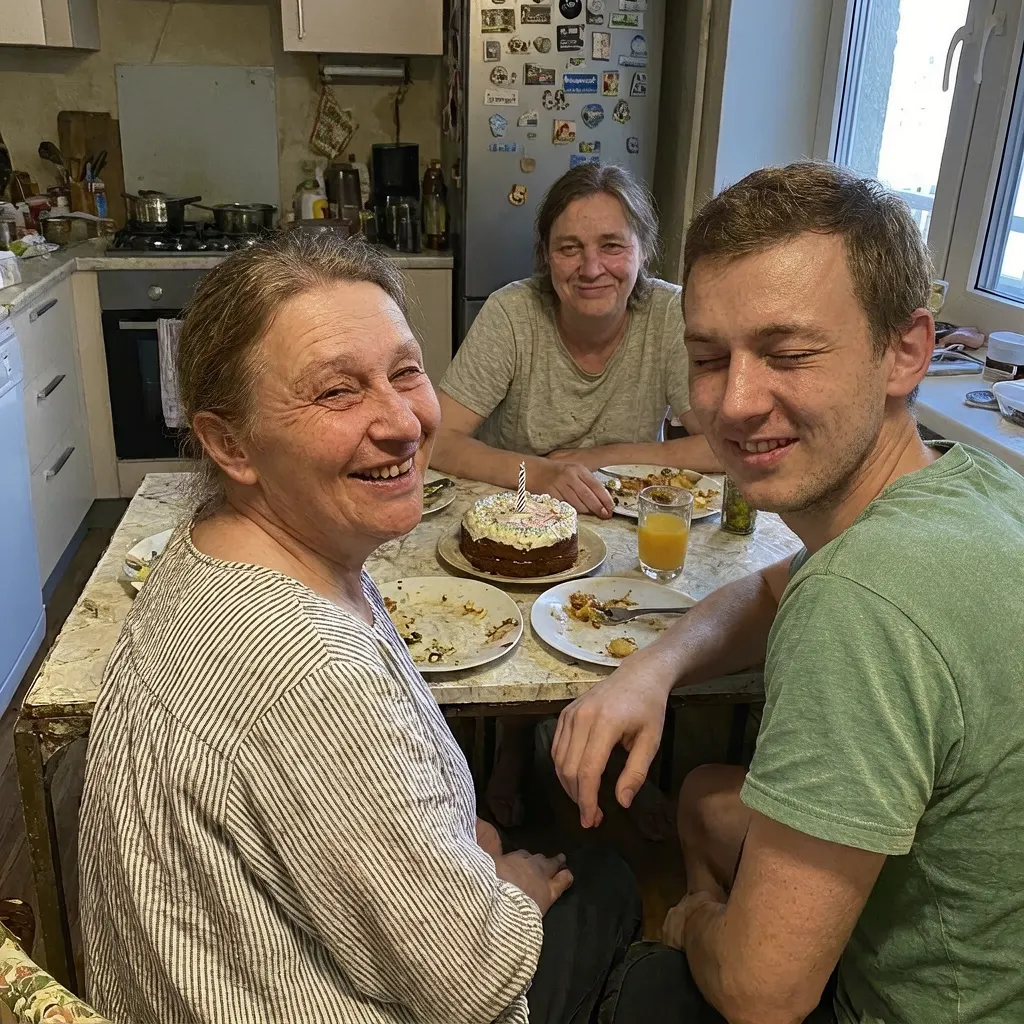
Before you edit
Do I need a subscription?
No. Enhance.cam uses credits, so you can buy edits when you need them. Visit pricing to see the current credit packs.
Will the result look exactly like me?
AI can change details, especially around eyes, skin, and lighting. The examples show what is possible, not a guaranteed result. Review your edit before deciding to keep it.
Can I choose which eyes to fix?
Yes. Open Eyes lets you select the face you want to edit. Start with a clear photo where the face is visible.
Which photo formats can I use?
The upload tools support JPEG, PNG, and HEIC photos. Check the uploader in your chosen tool for its size limits.
Can every photo be rescued?
Some photos have too little detail to work with. Extremely dark shots, heavily blurred faces, and very small images may produce poor results. A clear original gives the AI more to work with.
Do I need to install anything?
The tools work in your browser. Choose a tool, upload your photo, and follow the editing steps.